
If your company is on Claude Team or Enterprise, Anthropic does not use your chats and files to train its models by default. If your staff use personal Free, Pro or Max accounts, each person makes that call in their own settings, and the choice also decides how long their data is kept.
This article is for the manager whose team already puts client emails, contracts and quotes into Claude, or is about to. It covers what happens to the data on each plan, where it is stored, which GDPR paperwork applies, and what to check this week.
You are not alone in asking. Data protection is the second most common reason Latvian companies hold back on AI: among Latvian firms with 10 or more staff that considered AI but do not use it, 58% named data protection and privacy (Eurostat, 2025).
Quick answer
- Team and Enterprise. Anthropic does not train on your data by default. The terms are between Anthropic and your company.
- Free, Pro and Max. Each user chooses whether to allow training. If they allow it, chats can be kept for up to 5 years. If not, a deleted chat leaves Anthropic's systems within 30 days.
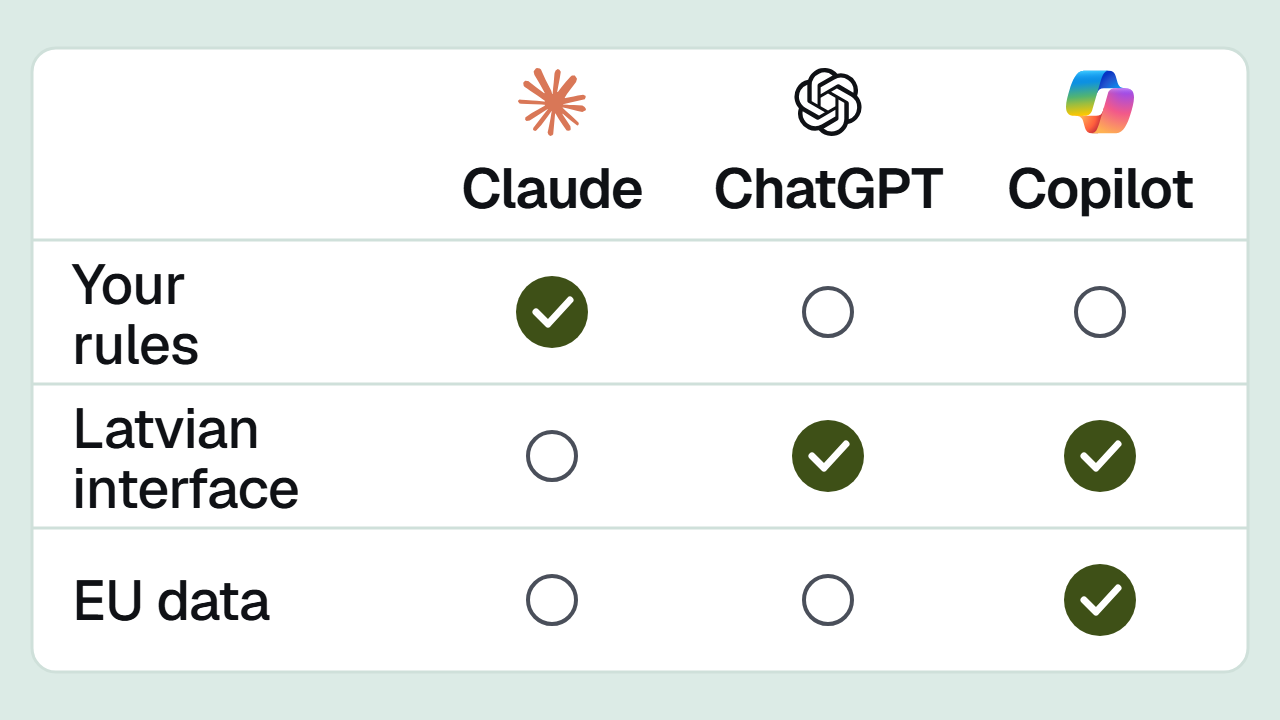
- Where it is stored. In the US. The Claude apps have no EU-only option.
- GDPR. Anthropic's data processing addendum, with the EU standard contractual clauses, is part of its Commercial Terms. A personal account gives your company no such agreement.
- The biggest risk. Work documents sitting in employees' personal accounts.
What happens to your data, plan by plan
Anthropic splits its plans into two groups. Free, Pro and Max are consumer plans that a person signs up for in their own name. Team, Enterprise and the API are commercial plans that a company signs up for. Each group has its own terms.
Free, Pro and Max
- Training. Since Anthropic changed its consumer terms in August 2025, each user decides whether their chats may be used to improve Claude.
- Retention. If training is allowed, chats can be kept for up to 5 years. If not, chats stay in the history until deleted, and a deleted chat leaves Anthropic's systems within 30 days.
- Who decides. The employee, in their own profile. The company cannot see or change the setting.
Team
- Training. Not by default: Anthropic's pricing page says there is no model training on your content by default. Nobody has to switch anything on or off to keep your data out of training.
- Retention. Chats stay in the account until deleted. A deleted chat leaves Anthropic's systems within 30 days.
- Memory. Claude's ability to remember earlier chats is off by default on Team. An Owner can make it available, and each person then turns it on for themselves.
- Who decides. The company, through the plan's settings and Anthropic's Commercial Terms.
- Size. A Team plan takes from 2 to 150 seats, so it suits a very small team as well.
Enterprise
Everything in Team, plus two things larger companies tend to ask for: a data retention period you set yourselves, and audit logs that show who did what.
API
The API is how Claude gets built into your own tools and automations, such as an n8n workflow. It is a commercial product too, and the change to the consumer terms does not apply to it.
Exceptions that are easy to miss
Even on a company plan, data is kept longer in two cases.
- Feedback. When someone clicks thumbs up or thumbs down on an answer, Anthropic keeps that feedback, and the data linked to it, for 5 years. In chats that contain client data, leave the thumbs alone.
- Safety flags. If Anthropic's automated checks flag a chat as a possible breach of its usage policy, the chat can be kept for up to 2 years and the check's scores for up to 7. This applies only to flagged chats.
Where your data is kept
Anthropic says data is stored in the US. The requests themselves may be processed in the US, Europe, Asia or Australia.
The Claude apps (in the browser, on the desktop and on your phone) do not let you choose EU-only processing. That option exists when Claude is used through Amazon Web Services (Bedrock) or Google Cloud (Vertex AI). Anthropic lists Microsoft Foundry as coming soon.
For a company of ten people, this means:
- If your team works in the Claude apps, your data leaves the EU. GDPR allows transfers outside the EU when they have a legal basis, and the standard contractual clauses are one such basis. More on them below.
- If a client contract or the rules of your sector say data must stay in the EU, the Claude apps will not do. You would then look at Claude through Bedrock or Vertex, built into a tool of your own, which is a separate and larger piece of work.
GDPR: the data processing addendum
A data processing addendum (DPA) sets out how Anthropic, as the processor, handles your company's data. Anthropic's DPA includes the EU standard contractual clauses, one of the bases GDPR recognises for sending data to the US. It is part of Anthropic's Commercial Terms, which cover Team, Enterprise and the API.
Personal accounts fall under the consumer terms, an agreement between Anthropic and the individual. Your company is not a party to it. The Commercial Terms themselves say they do not cover Claude.ai or Claude Pro, and the consumer terms for EU users say the service is not for commercial or business purposes.
This is not legal advice. We describe what Anthropic states. Whether that meets your obligations under GDPR is for your lawyer or data protection officer to decide.
The biggest risk: personal accounts
When an employee pastes a client contract into their own Pro account, the consumer terms apply to it. In practice:
- the employee alone decides whether training is allowed;
- your company has no data processing agreement with Anthropic covering that data;
- the company usually cannot see what was entered, or delete it;
- when the employee leaves, the chats stay in their account.
How to find out which accounts your team is on:
- Ask. In a short meeting, find out who uses Claude for work and who pays for the account: the employee, the company, or nobody.
- Look at the account. Claude shows the person's name in the lower left corner. On a Team account, the company's organisation name sits next to it. A name on its own means they are working in a personal account right now. If they have both, clicking the name opens a menu where a blue tick marks the one in use.
- Check expenses. Claude Pro or Max charges on expense claims mean a personal account paid for with company money. Free accounts never appear there, which is why asking comes first.
What not to put into Claude: the DVI guidance
On 17 July 2026, Latvia's Data State Inspectorate (DVI) explained how staff should handle personal data in AI tools. The advice covers every tool, Claude included:
- before entering personal data, check whether the task needs it at all, and use anonymised or general information where you can;
- keep out employment contracts with staff names and personal ID numbers, client lists with contact details, health data and trade secrets;
- set an internal procedure: which tools are approved, for what, and which data stays out;
- before using a tool, read the provider's data processing terms and check the privacy settings;
- the organisation stays responsible for processing personal data, even when the tool is a public one.
The first point is simple in practice. If you want Claude to check a contract's terms, replace the personal ID number with "XXXXXX-XXXXX" and the client's name with "Client A" before you paste it in. Checking the terms does not need either.
What to do this week
- Find out who works in which account. Use the three checks above.
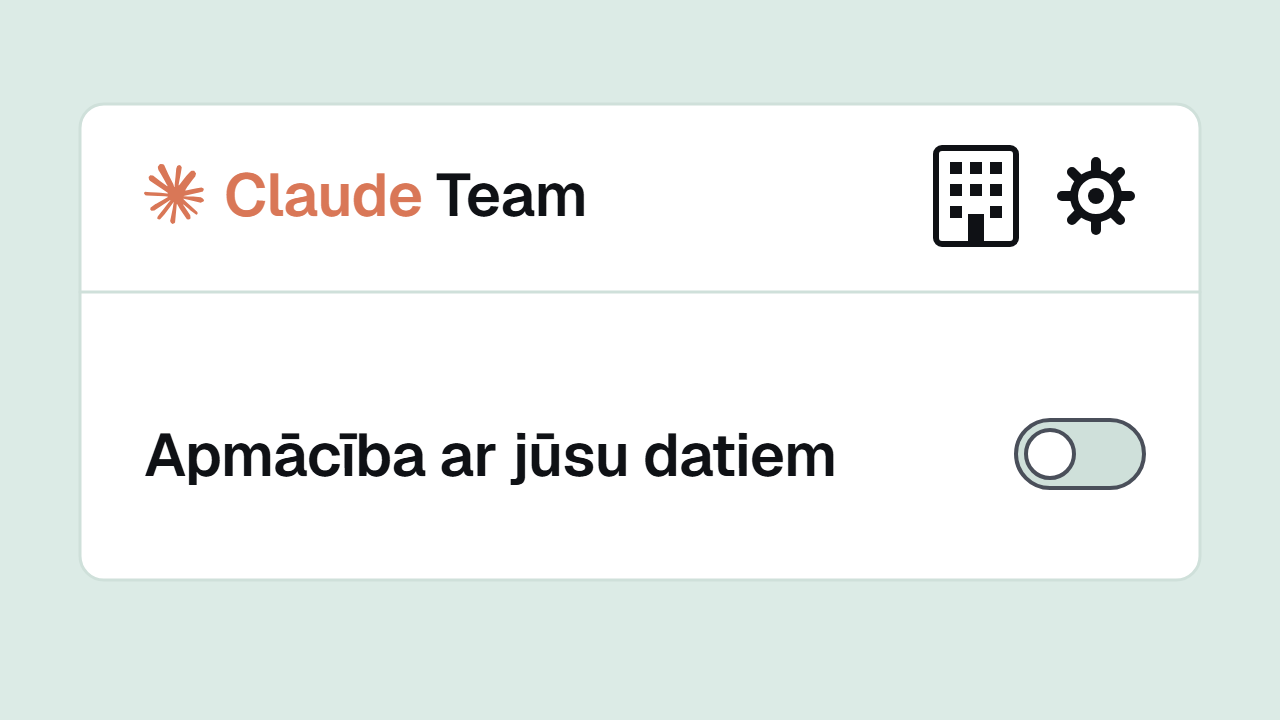
- Switch training off in personal accounts. In Claude's Settings, under Privacy, the switch "Help improve our AI models" lets Anthropic use your chats and coding sessions to train its models. Ask everyone who uses a personal account for work to turn it off. Treat this as a stopgap: a personal account still comes with no data processing agreement for your company.
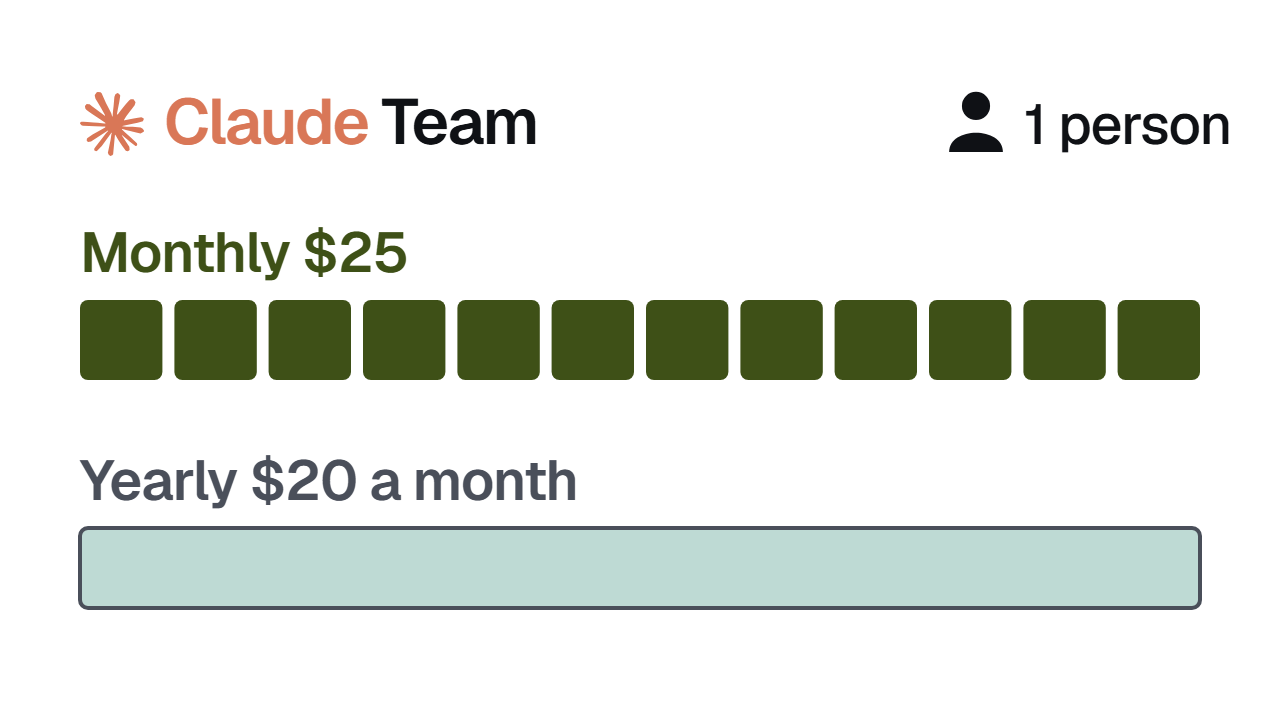
- Decide on a company plan. If more than one person uses Claude for work, a Team plan puts everyone on the same terms under one agreement with Anthropic. It starts at 2 seats.
- If you already have Team, check it. Who holds the Owner or Primary Owner role? Is memory off, or on because someone chose it? Is anyone still working in a personal account on the side?
- Write one page of rules. Which tools people may use, what they must not enter, and who checks the output before it reaches a client. This is the internal procedure the DVI asks for. You can start from our AI usage policy template.
- Send the link to your lawyer. Pass Anthropic's data processing addendum and this article to your lawyer or data protection officer. The decision about your data is theirs.
Checked on 2 November 2026 against Anthropic's public pages. Anthropic changes its terms often, so check the current version before you decide.
If you would like to go through your team's settings with us, book a free 30-minute call.