
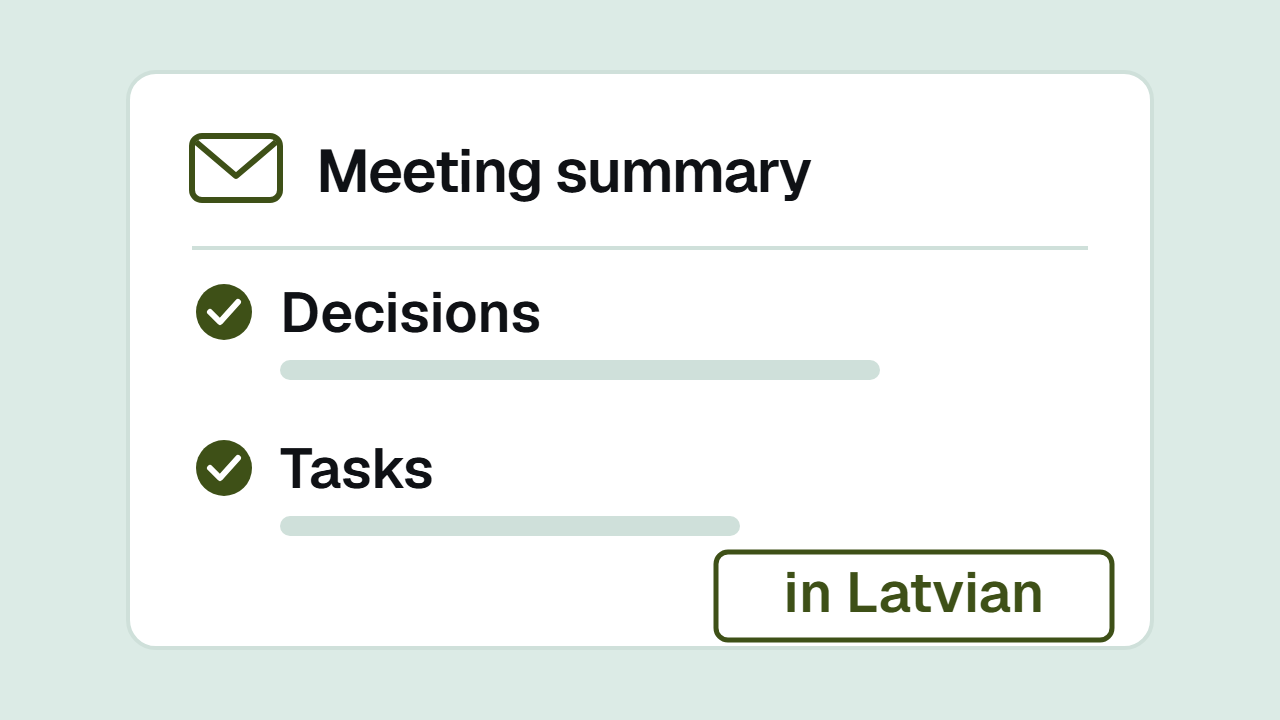
The meeting ends, and five minutes later there is a summary in your inbox: what was decided, who does what and by when. Almost every company we talk to wants that. The big meeting tools now offer it themselves, but Latvian is on none of their official summary language lists.
We have worked on this ourselves for more than two years. On our n8n server we built 16 workflows that transcribe call and meeting recordings and write summaries. Today one is switched on. This article covers both sides: what the ready-made tools give you, and what we learned building our own.
- Teams, Google Meet and Zoom summarise meetings on paid plans, but Latvian is not on their official summary language lists (checked on 24 November 2026).
- Teams can transcribe Latvian speech, but it doesn't promise a summary in Latvian.
- Claude Meetings works only with Google Meet and on the Team plan; Anthropic doesn't publish a language list.
- Of our own 16 summary tools, one is switched on. The ones where someone had to upload the recording by hand stopped being used.
- If AI transcribes a meeting, the participants have to be told, for example in the meeting invite.
What Teams, Google Meet and Zoom offer
| Tool | What you need | Where the summary lands | Latvian |
|---|---|---|---|
| Microsoft Teams | Teams Premium or a Copilot licence (Copilot from EUR 15.60 per user per month) | In the meeting chat; you send the email yourself | Transcribes speech; not on the summary language list |
| Google Meet | Workspace Business Standard or higher (EUR 13.60 per user per month) | Emailed to the organiser as a Google Doc | Not among the 8 supported languages |
| Zoom | Pro or higher (USD 14.16 per user per month, billed yearly) | By email | Not among the 33 languages (Estonian is) |
The Copilot price is a discount until the end of 2026, then EUR 18.20. Prices and language lists are from the vendors' pages on 24 November 2026, and they change often.
That doesn't mean a Latvian meeting gets no summary. The tool may transcribe the speech and write the summary in English, or in Latvian with mistakes. But none of the three promises it officially, so before buying licences for the whole team it's worth testing on one real meeting.
Standalone note-takers are a different story. Fireflies, for example, lists Latvian for both transcription and summaries.
What about Claude?
In November Anthropic launched Claude Meetings, which joins Google Meet calls and sends internal attendees a link to the summary. It is in beta, works only on the Team (USD 20 per seat per month, billed yearly) and Enterprise plans, and only with Google Meet. Anthropic doesn't publish a language list.
If the meeting is already recorded, you can give Claude the transcript as a text file and ask for a summary. Claude's help pages don't mention uploading audio files, so the recording has to be transcribed with another tool first.
What we built, and why one is left
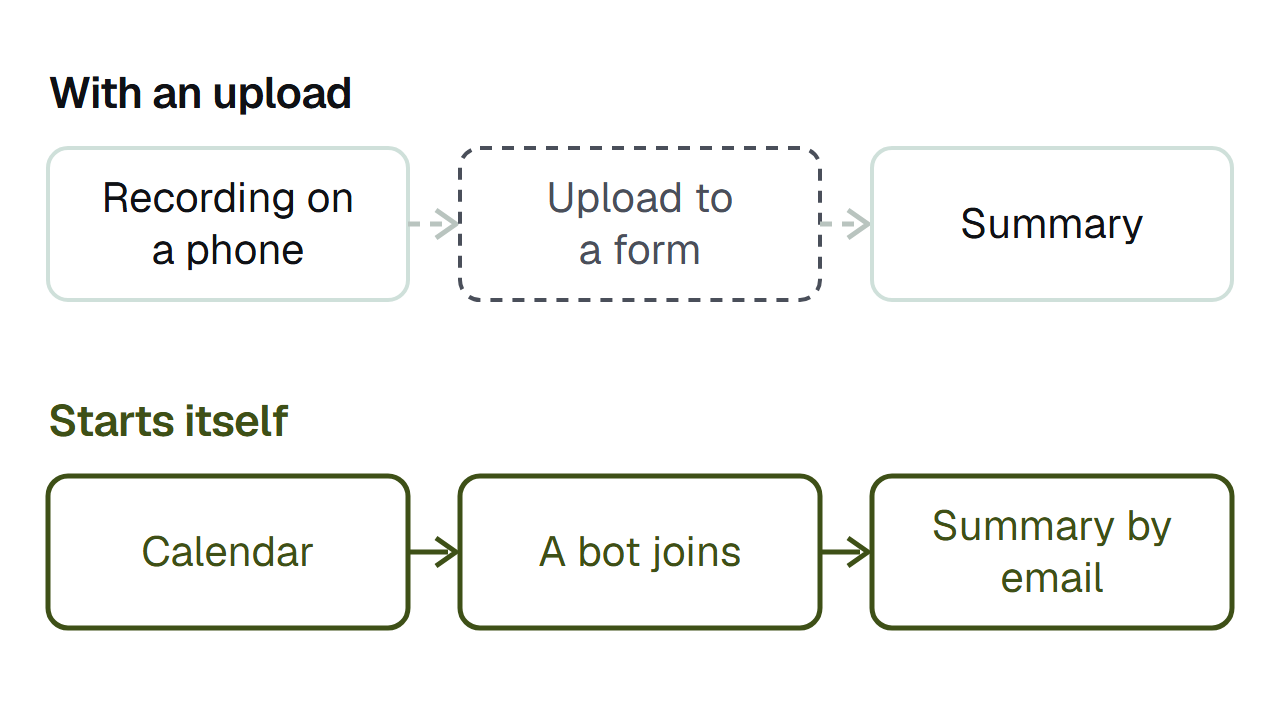
All 16 of our workflows worked the same way: someone uploads a recording to a form, the workflow transcribes it, AI writes a summary, and it arrives by email. The only difference was what the AI pulled out of the conversation:
- Property viewings: the client's needs, budget, timing and the requirements the property doesn't meet.
- A finance company's sales calls: whether the client needs financing, how much, for how long and what for.
- Client meetings: decisions, tasks and who owns them.
- Board meetings: minutes with attendees and decisions.
The one still switched on is the finance company's call summary. It is also the narrowest. It doesn't try to retell the conversation; it fills in specific fields that the sales team uses next.
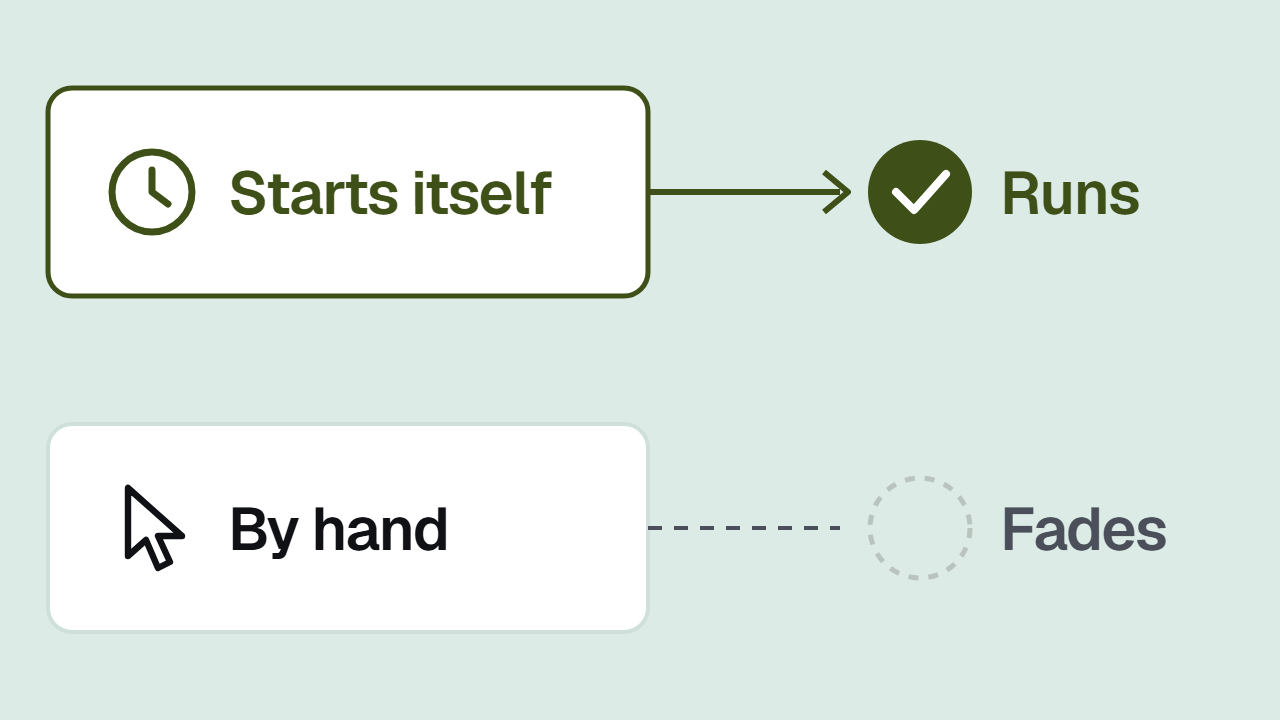
We learned two things from this. First, transcription is the same everywhere; the value is in what you pull out of the conversation for a particular kind of call. Second, the upload step is what kills the tool. When someone has to find the recording on their phone and upload it to a form, after a couple of weeks nobody does it any more. We saw the same across all our automations: of the tools a person has to start by hand, 12% are still switched on. We wrote more about that in 206 automations, 43 still running.
When you need your own setup
A ready-made tool is a good start if your meetings are in English and in one tool. Your own setup is worth considering if:
- Your meetings are in Latvian, and the summary has to be in Latvian without mistakes in words and endings.
- Some conversations happen by phone or in person, not only in Teams, Meet or Zoom.
- You need specific fields, not a retelling: an amount, a deadline, a next step that goes into the CRM.
- The data has to stay in the EU.
What to tell meeting participants
Latvia's Data State Inspectorate, as reported by iFinanses in November 2026, says AI meeting notes are processing of personal data even when the audio isn't kept. Participants have to be told, for example in the meeting invite or at the start. The GDPR requires telling people when their data is collected.
The EU AI Act sets no rule specifically for recording meetings, but it bans AI that infers employees' emotions at work. If a note-taker offers a "sentiment" score, it's better switched off.
What we do now
After those 16 workflows, we built Tveris, our own meeting assistant for Latvian. It removes both problems we saw: nobody uploads anything. For an online call, Tveris joins by itself from the calendar (Google Meet, Teams or Zoom); in person, you start the recording on a phone. The summary with tasks arrives by email within minutes of the call, and the data is stored in the EU. The first 5 hours are free, and you can request access at tveris.app.
FAQ
Does Teams summarise a meeting in Latvian? Teams can transcribe Latvian speech, but Latvian is not on the list of 25 languages Microsoft supports for intelligent recap. Recap needs Teams Premium or a Copilot licence.
Does Google Meet "take notes for me" work in Latvian? No. It supports 8 languages, and Latvian isn't one of them. It needs Workspace Business Standard or higher.
Do I need participants' consent to record a meeting? Participants have to be told that AI is taking notes. The simplest way is to put it in the meeting invite.
Can I give Claude a meeting recording? A transcript as text, yes. Claude's help pages don't mention uploading audio files.
If you'd like us to look at which kind of meeting summary suits your team, book a free 30-minute call.